
befocusy
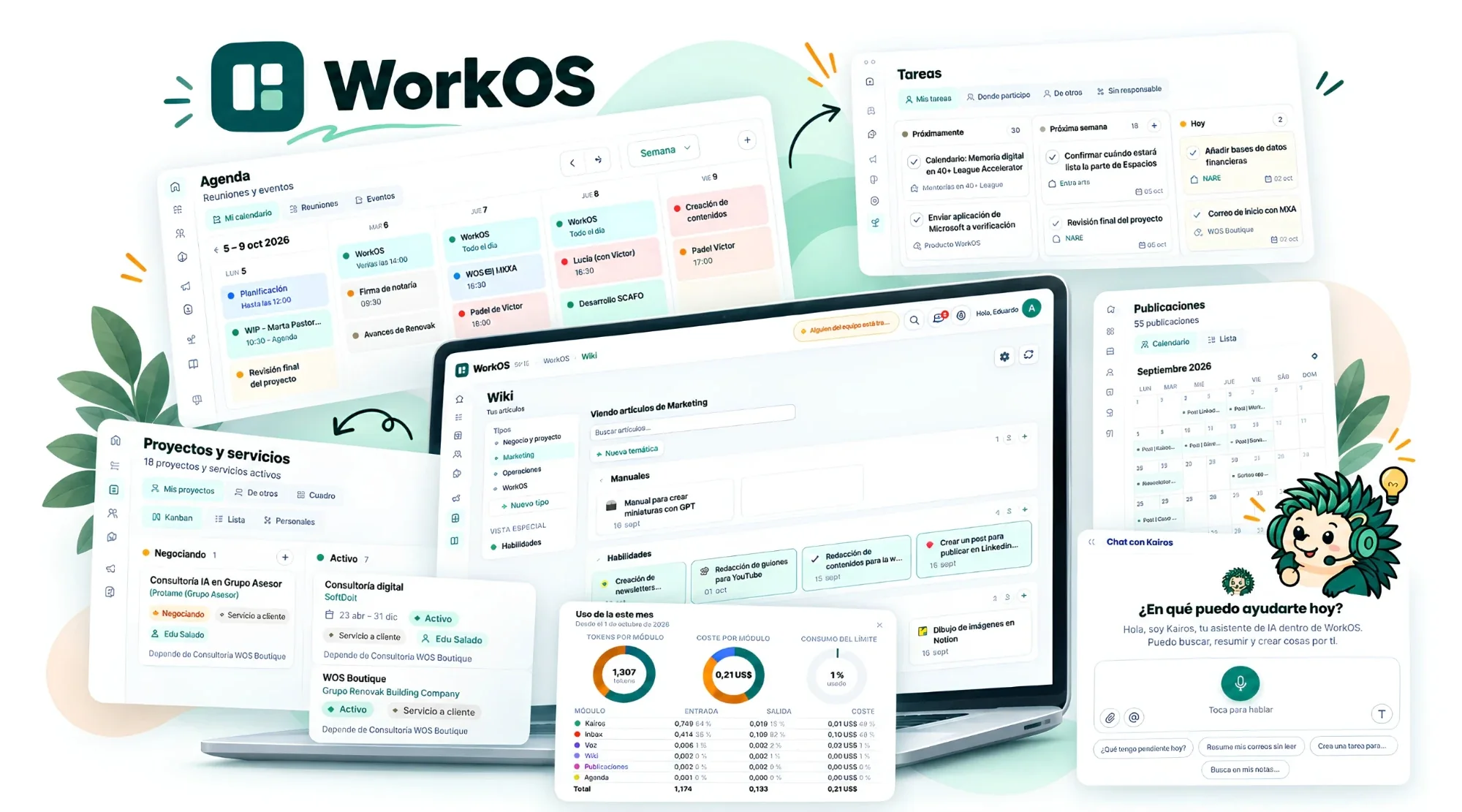
WorkOS WorkOS
AI included by default

An operating system and intelligent assistant for your business.

WorkOS is the AI layer that connects what used to live scattered: communication, tasks, projects, calendar, CRM, content schedule and documents. And when you need something the standard doesn't cover, we build it with you.

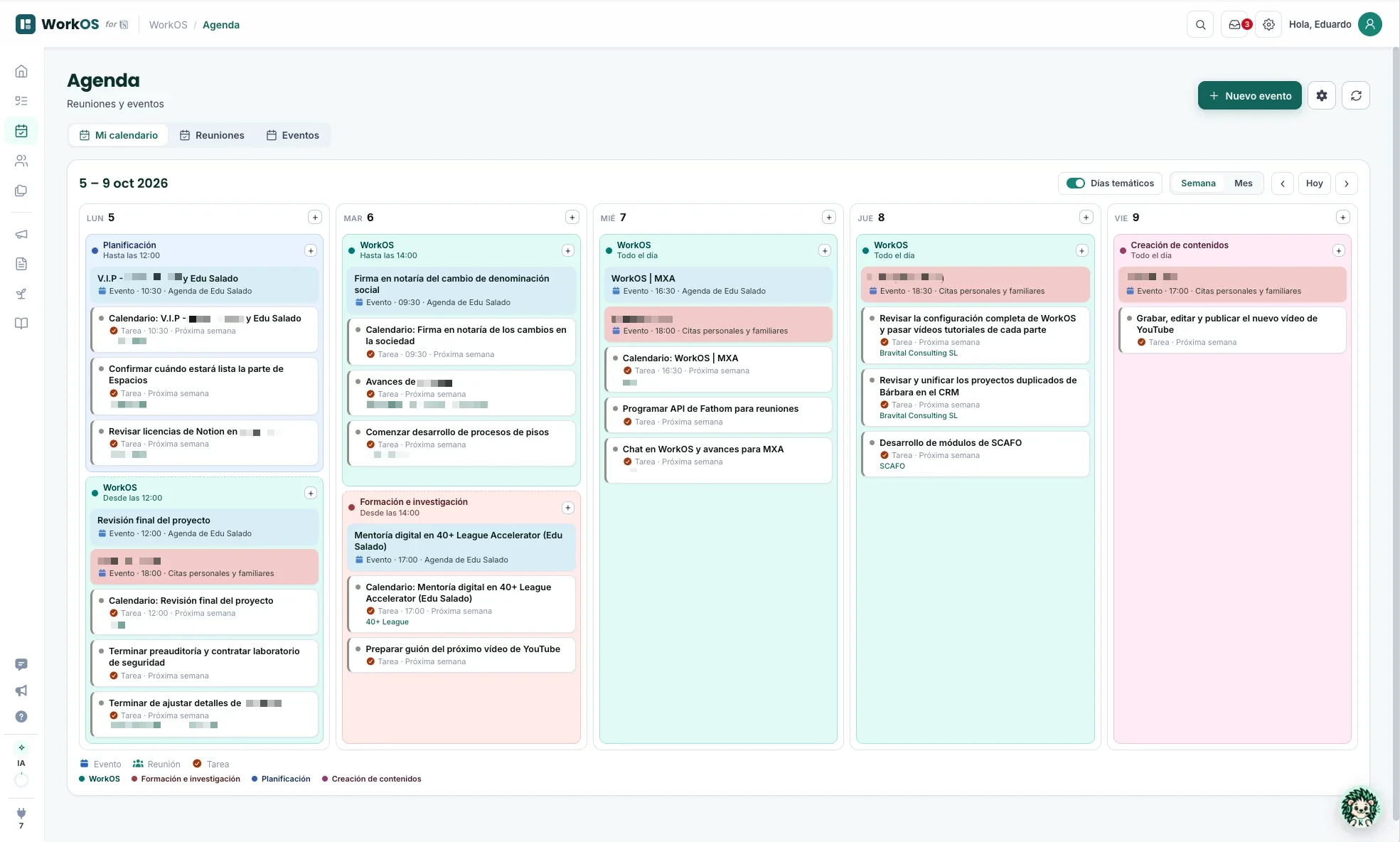
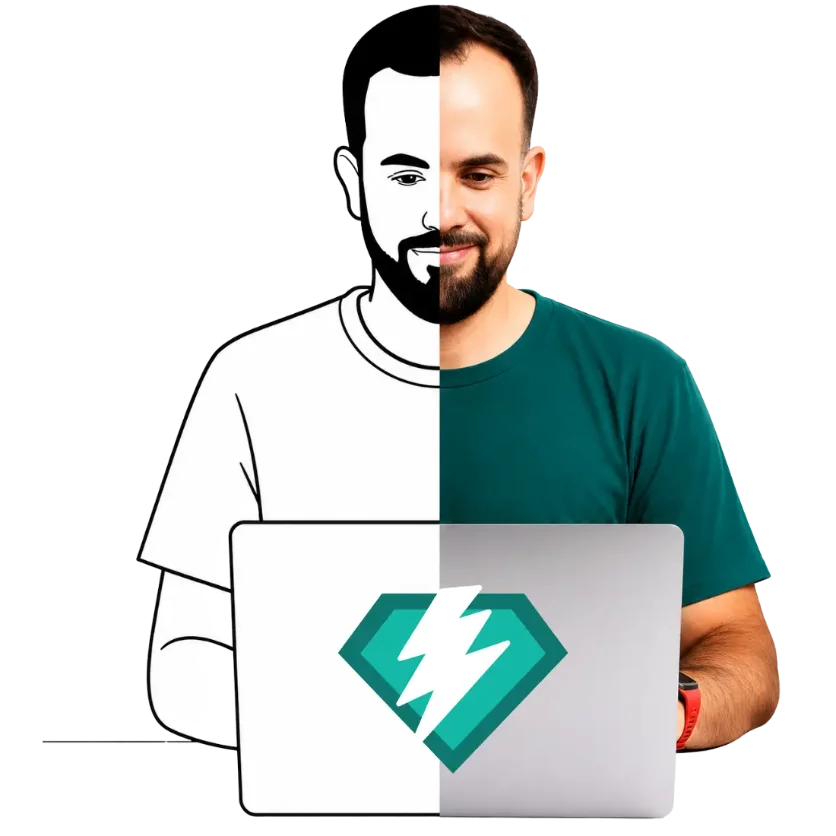
Team collaborating with Kairos, WorkOS's AI assistant, on tasks, email, meetings and documents
Person working with the WorkOS AI assistant, with your experience, judgment and clients connected to tasks, calendar and CRM
Maybe this sounds familiar

You have experience, judgment and clients. What you're missing isn't more knowledge.

You've spent years building your business and still feel something isn't quite working. The problem isn't you: there's no system that captures what you know and puts it to work.

30, 50, 70 spreadsheets acting as a system

Nobody knows which one is the right one. The correct information lives in a sheet you opened three months ago.

Email runs your agenda

Whatever's urgent always wins. You react all day and never get to what matters.

Knowledge lives only in your head

If you're not there, everything stops. You go on a trip and the business grinds to a halt with you.

No real CRM

Your clients are scattered across emails, loose notes and memory. There's no single place.

You post when you remember

Running on willpower. No calendar, no consistency, always racing the clock.

A different tool every time

Every time you send something to a client you use something else. There's no way. There's no method.

A few examples and testimonials

I feel like so much of the groundwork gets lost.

Javier Business consultant

We operate like three companies inside one. Each partner has their own system.

Consulting partner 3-founder firm

If I go on a trip, this stops.

Micro-business owner 12 years running the business

I tried Notion and gave up. I got lost in the options.

Executive Family business

Notion is very powerful, but not very intuitive. Reaching that level feels impossible if you're not technical.

Antonio Non-technical profile

I struggle to see how everything connects. The architecture is beyond me.

Claudio Building his system
With WorkOS active

What you walk away with

1 system

Complete and connected

Tasks, clients, ideas, content and documents, all in one place.

7 modules

Working for you 24/7

They run in the cloud, not on your computer. And the list keeps growing: every new module lands in your system with nothing for you to set up.

+72h/month

Recovered

What a running business typically recovers with the system.

Your voice

Your tone, not the AI's

The AI learns how you write and speak, not how generic AI sounds.

Training

Learn to use WorkOS and work better

Beyond teaching you how to use WorkOS, we give you tips and best practices for digital productivity in your business.

Custom

Built on your real processes

With custom implementation, a system built on your processes, not an adapted template.

Connects with what you already use

Standard modules cover most businesses, set up with simple forms, without touching a line of code. Integrated with Google Workspace (Gmail, Calendar and Drive), Outlook, social networks (LinkedIn, YouTube, Instagram and TikTok), Notion and more.

WordPress kit BREVO WATI
Always with you

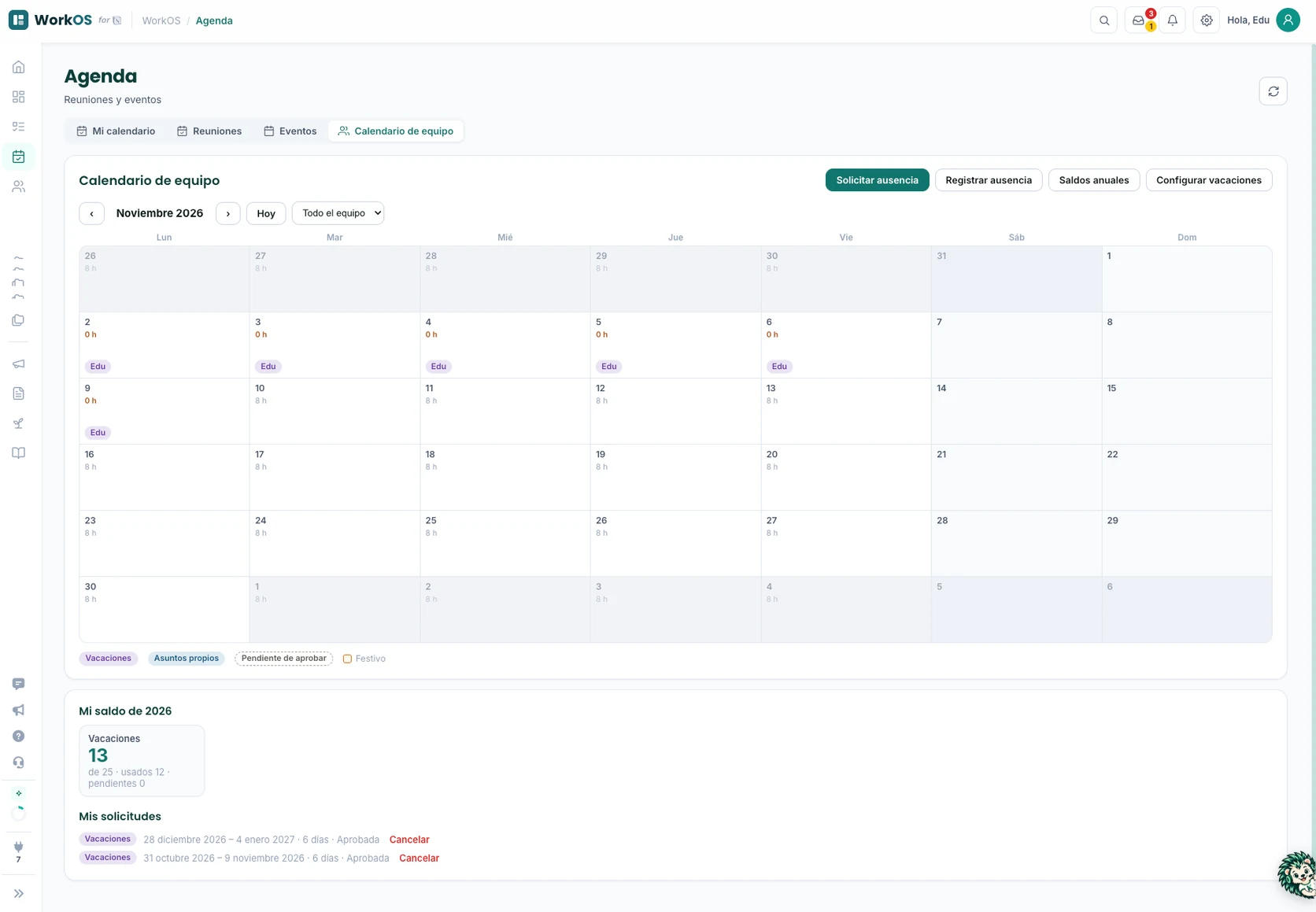
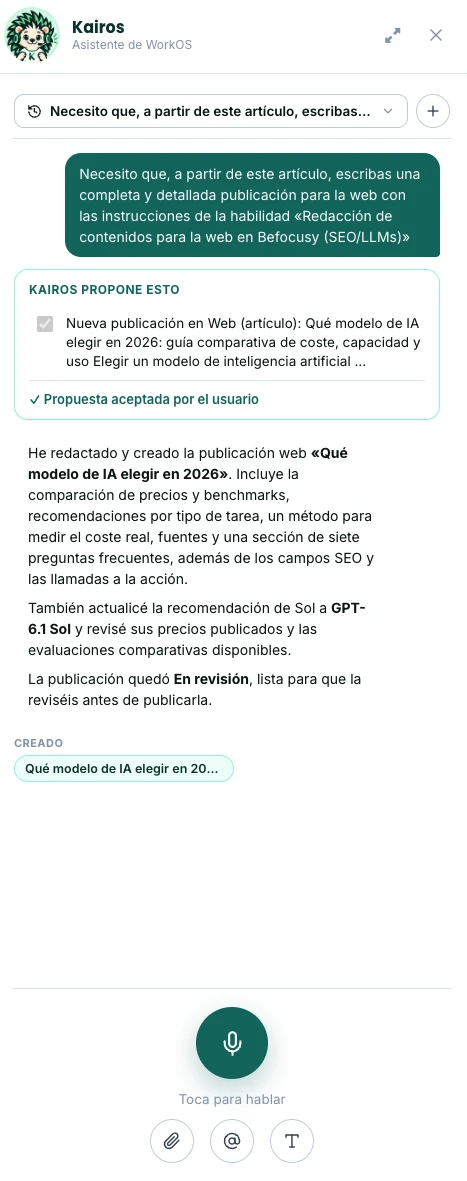
Meet Kairos, your co-pilot inside WorkOS

Being independent doesn't mean being alone. Kairos lives inside WorkOS and makes the whole system respond to your voice.

  • Talk to the whole system by voice: you gain many hours
  • Warns you if something was left half-done
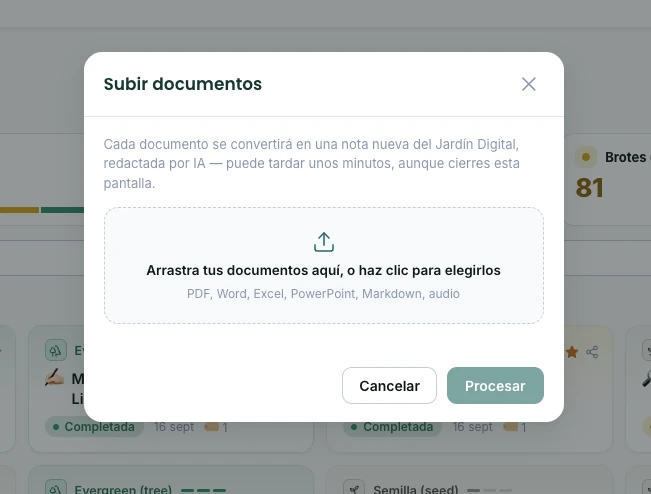
  • Merge and work with several documents from your database at once
What you get back

The math on time saved, in everyday use

The time that today goes into doing by hand what WorkOS does on its own. This is what a running business typically recovers.

AreaCurrent situationTotal / month
TasksWriting down, assigning and remembering by hand · daily15h
Inbox + CRMReviewing and sorting emails and WhatsApp · daily21h
KnowledgeSearching for information you already had · daily9h
ContentThinking, writing and posting · weekly18h
DocumentationPreparing and sending to clients · weekly9h
Estimated total savings per month+72h
+72h
per month

That's equivalent to 9 full working days recovered: time for clients, strategy, or simply unplugging.

Single source of truth

Everything is stored in your own database

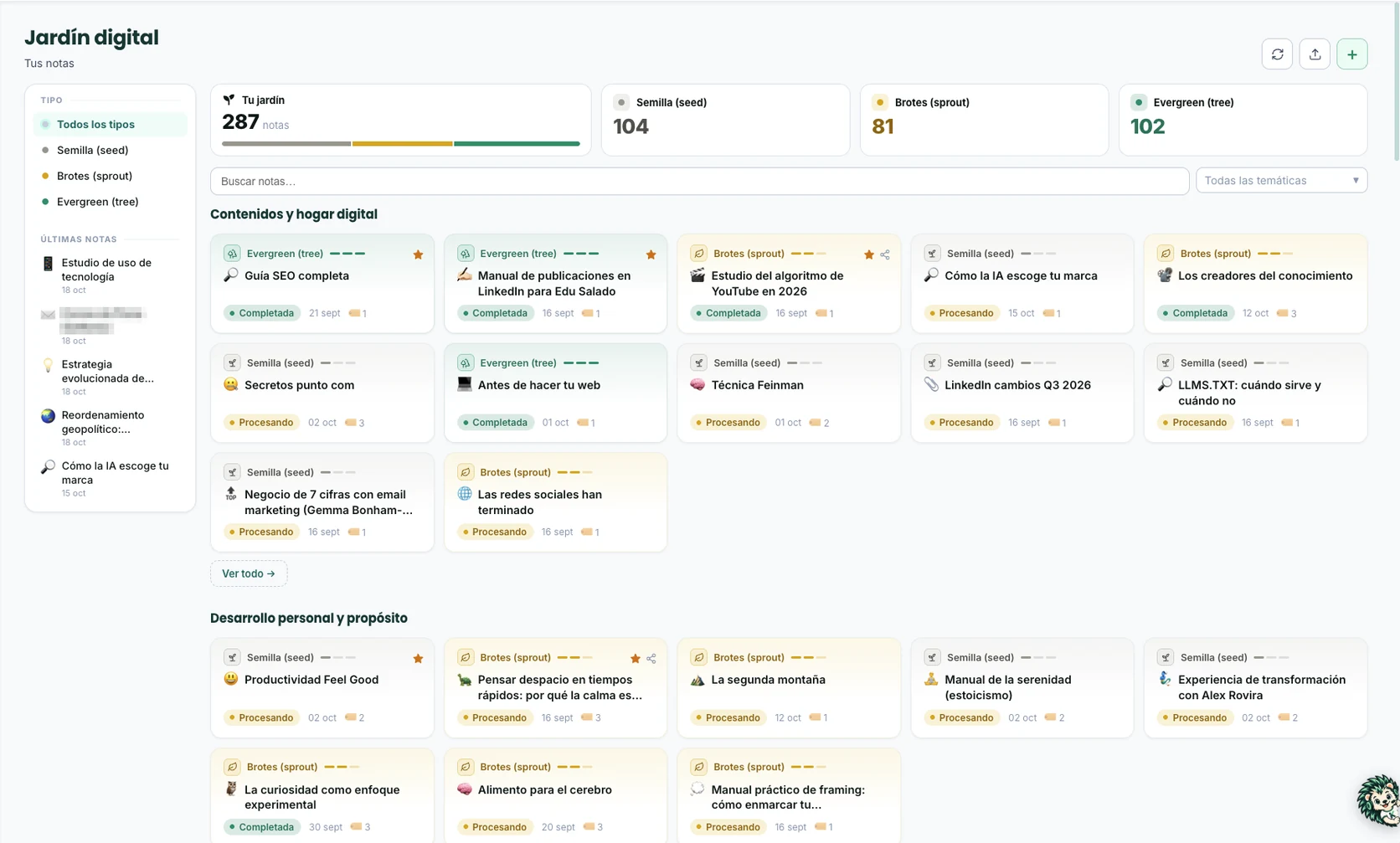
Your database (your Notion workspace or a database on our servers, for example) is your business's central server: every task, message, note or post consolidates there, securely. One single source of truth, in your own space.

Tasks, CRM, content and documents in databases connected to each other.

Every module writes directly to your workspace: nothing lives in a separate system, all under your account and your permissions.

Encrypted connections. Every integration uses the official access of each tool: Notion, Google, Microsoft, Meta, LinkedIn or OpenAI.

The data is yours. Revoke any access whenever you want; if you ever leave, everything stays in your database.

Database · My WorkOS system
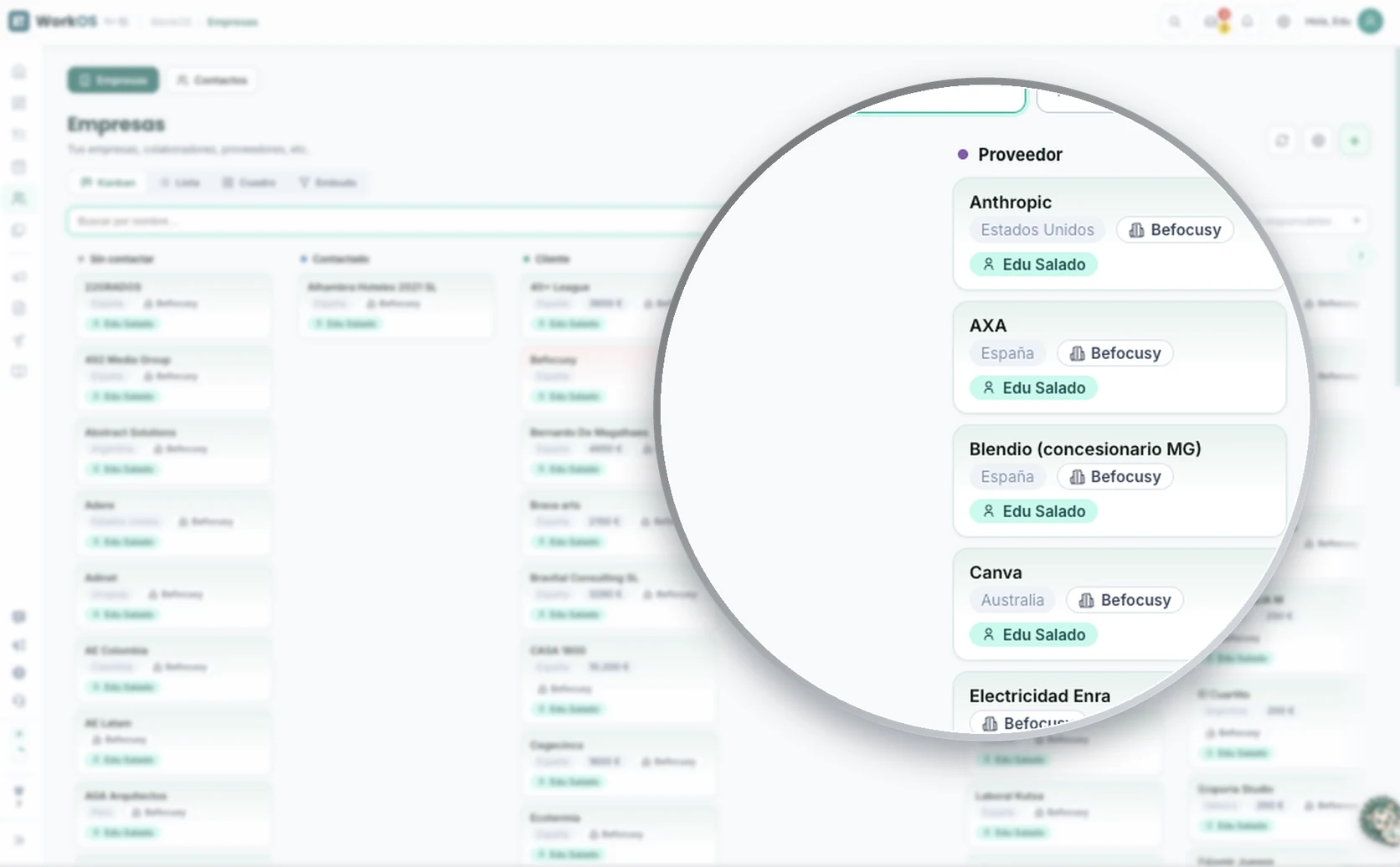
My business Home Tasks CRM · Sales Meetings Content Documents
My system / CRM

CRM · Deals

Table Pipeline Contacts
Estudio Marén · website + CRM Proposal 4,800 €
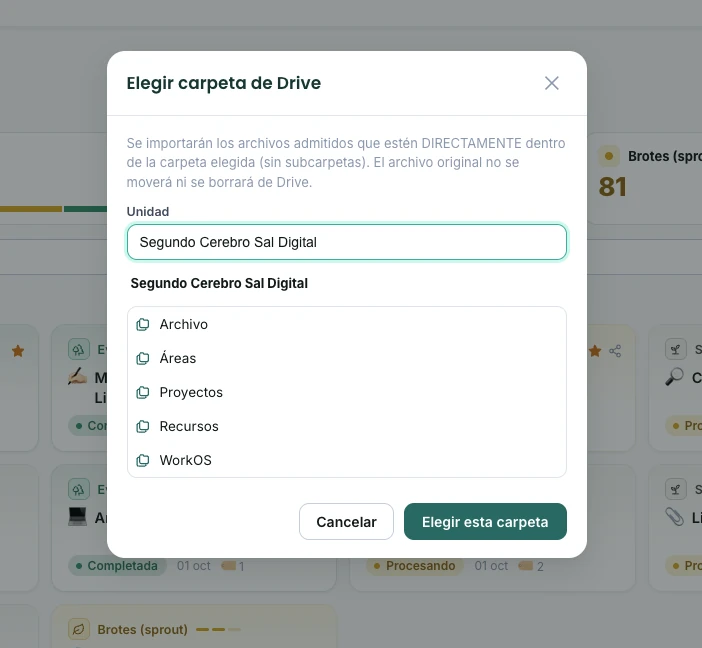
Logisber · ERP integration Negotiation 7,200 €
Tienda Verde · expansion Won 2,400 €
Marta Moda · team training Contacted 1,900 €
Updated by the inbox + meetings module · 2 min ago
The system, in action

Two layers, one dataset

Underneath sits the data layer: your database (Notion, for example) holds the source of truth and connects to the rest of your tools, including AI like Claude or ChatGPT. On top, WorkOS is the operating layer: the simple, fast view you work in every day.

workos.befocusy.com
Operating layer · WorkOS
Review Acme proposal CRM
Prepare monthly invoice Task
Record weekly update Content
Sync team calendar Meeting
Data layer · Notion (example)
TaskStatus
Review Acme proposal Done
Prepare monthly invoice Done
Record weekly update In progress
Sync team calendar Pending
How the AI works

AI where it adds value. Not improvising.

Most AI systems today work like a loose assistant that 'thinks' from scratch every time and lives disconnected from everything else. Ours is different: an AI layer that connects what used to be scattered across separate tools and acts inside your real workflow.

You capture
It gets organized
It gets drafted
It gets delivered

AI only acts at the points marked with the bolt. It doesn't 'think' the whole time: it does its specific task and stops.

Typical generic AI

Agents thinking in a loop
  • Rethinks context on every run
  • Consumes tokens unpredictably
  • Makes mistakes from lack of structure
  • Growing cost that's hard to control

Module system

AI placed where it adds value
  • Precise instructions, pre-set context
  • Predictable, minimal cost per action
  • Each agent does one thing, very well
  • You see and control every step of the process
It doesn't improvise: it executes. The AI is placed exactly where it adds value, with precise instructions and context already set. The real cost is predictable and very low, included in your monthly fee.
The engine isn't fixed

We work with the leading AI engines depending on the client and the needs of each task, choosing whichever fits best each time.

Google · Gemini Anthropic · Claude OpenAI · GPT DeepSeek
The technology edge

AI modules, included by default

Each one does a single thing, very well, at minimal cost. They're not add-ons you set up separately: they're part of the system.

Included

Voice

“Speak. Your whole system listens and acts.”

It's how you talk to Kairos, your AI co-pilot: when you dictate, you're talking to him. It's transversal: the same voice controls all of WorkOS, on mobile or web. Your best ideas never come to you at the keyboard: they show up after the gym, a shower, between meetings or on a walk. Here you speak and they arrive already organized in the system, without opening your laptop.

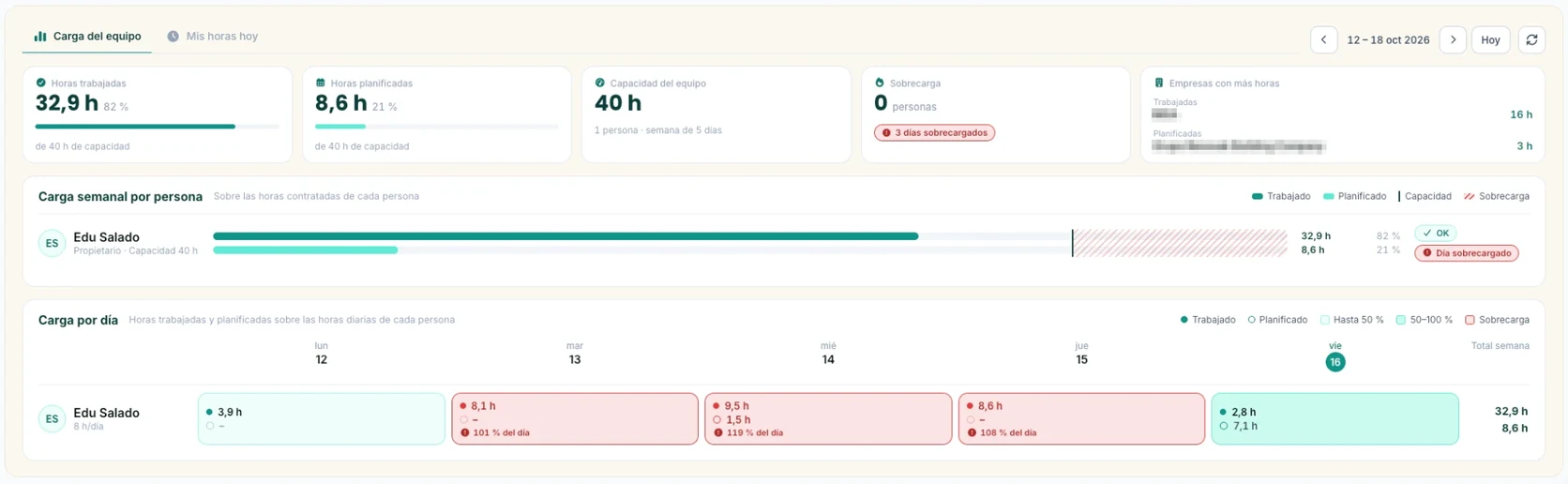
  • Tasks: several at once in a project, with owner and date
  • Messages and emails: you dictate and who it's for; it finds them in your CRM on its own
  • CRM: add contacts and leads by dictating what you know about them
  • Posts: an optimized draft in your tone
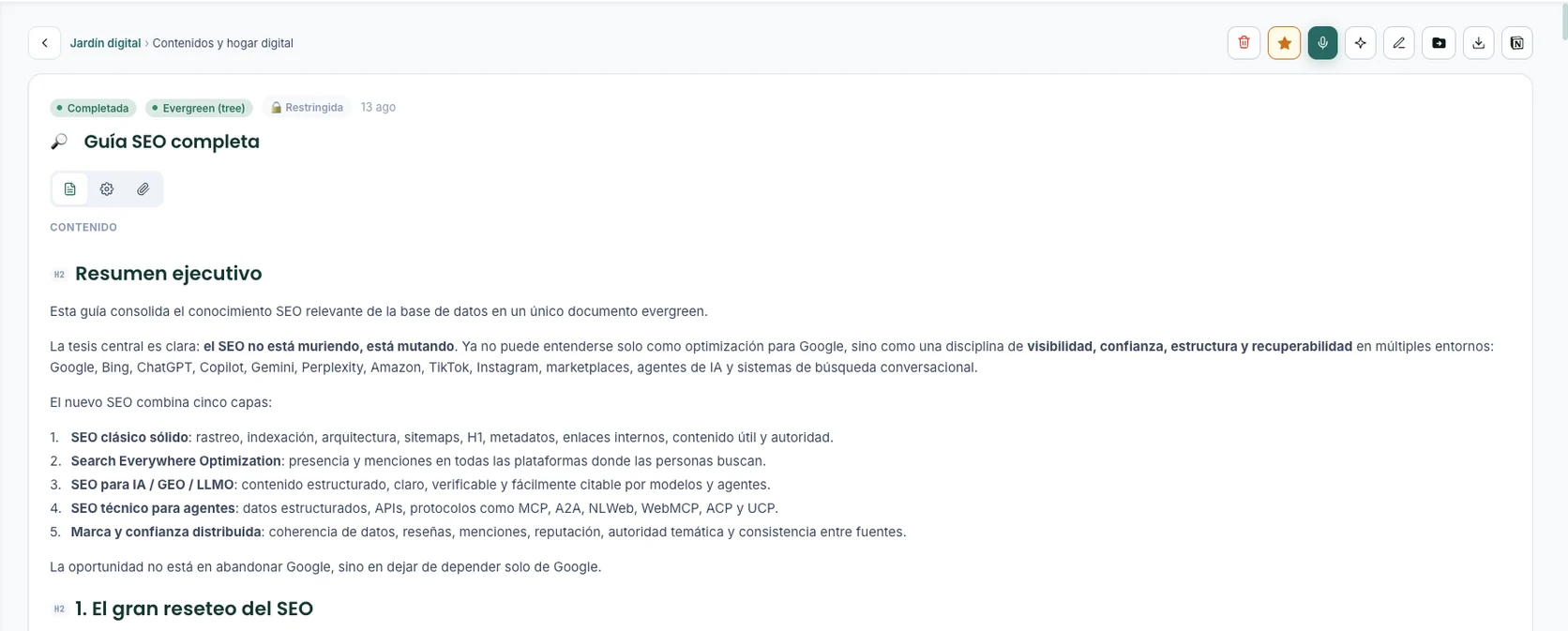
  • Notes and ideas: arrive well written in your digital garden
Included

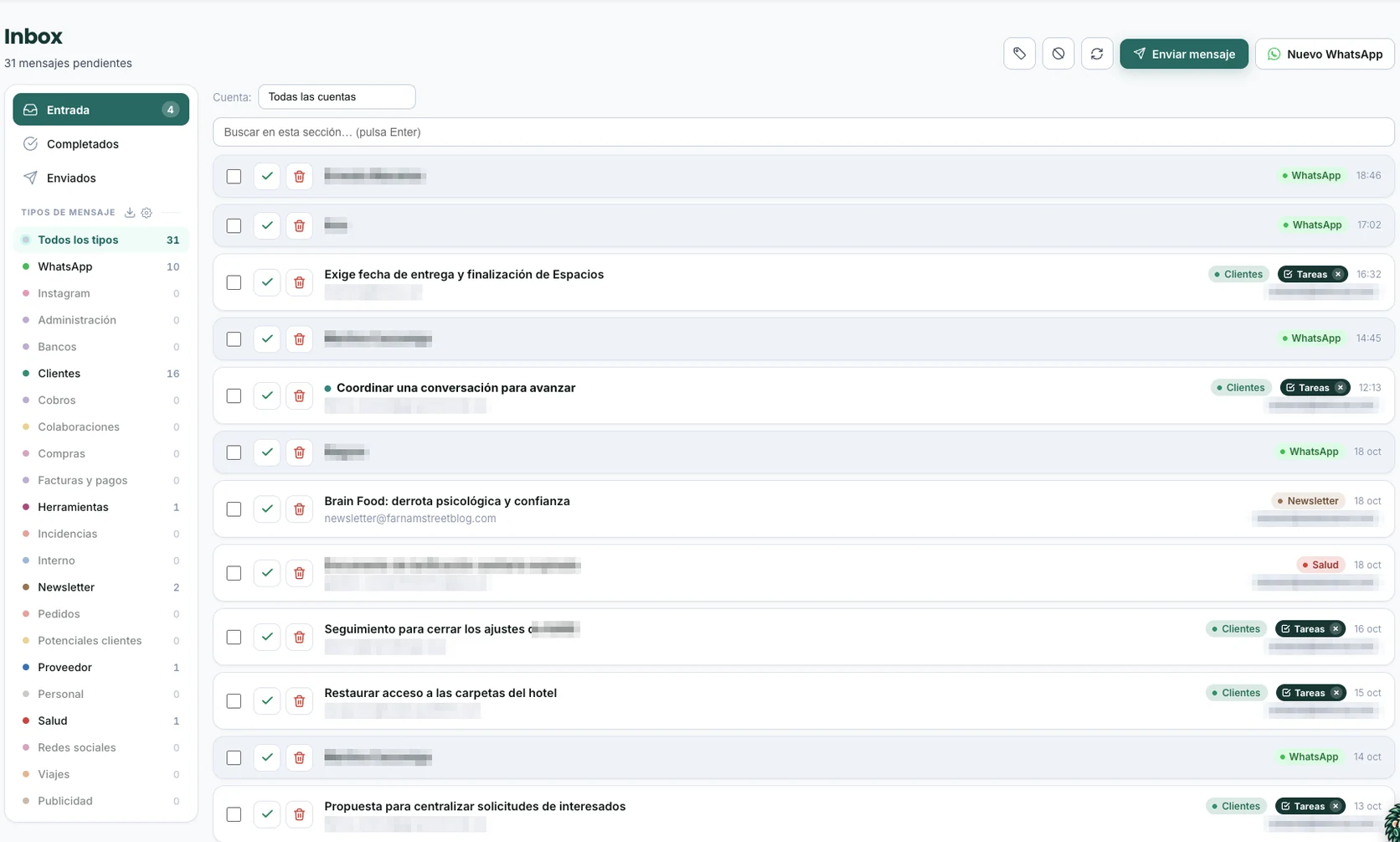
Inbox

“All your channels, in one inbox.”

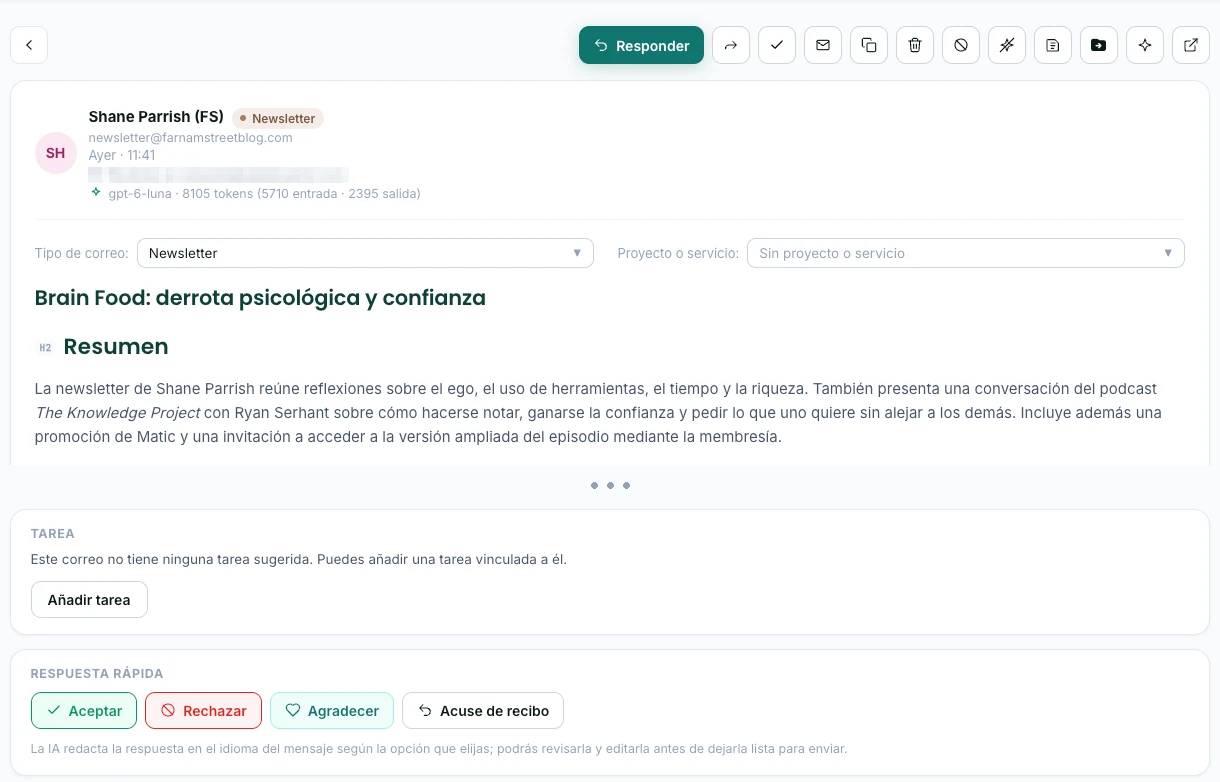
Email, WhatsApp and meetings are where your opportunities are born, and where they slip away most. Here everything arrives unified, captured, summarized and connected to your CRM, automatically. Meetings are transcribed with your database's native system.

  • Gmail, Outlook and WhatsApp Business in a single inbox
  • Automatic triage and opportunity detection
  • Creates tasks linked to the CRM contact
  • Meetings transcribed separately: they don't use up your voice hours
Included

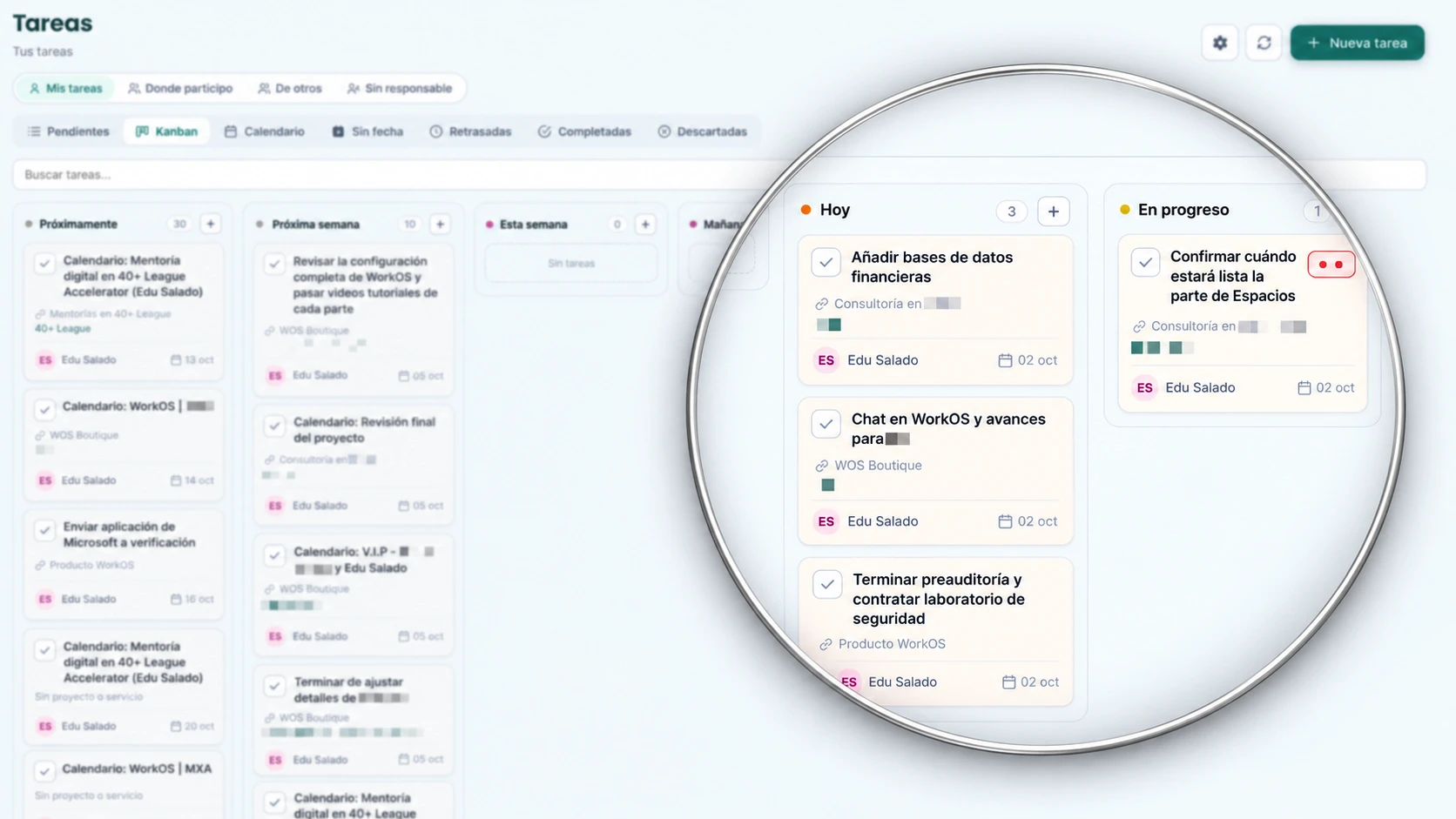
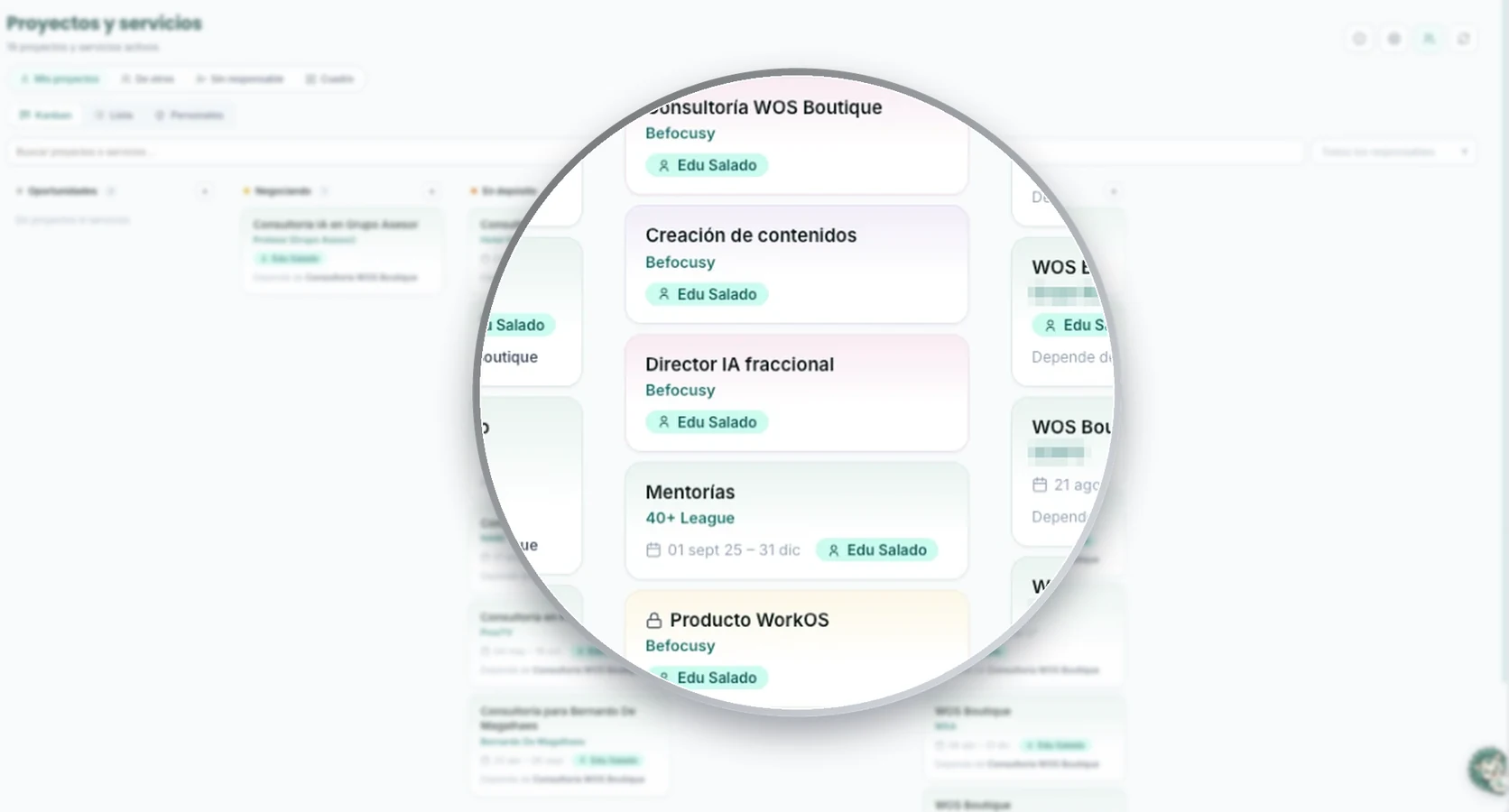
Tasks & projects

“Every task, with an owner, date and project.”

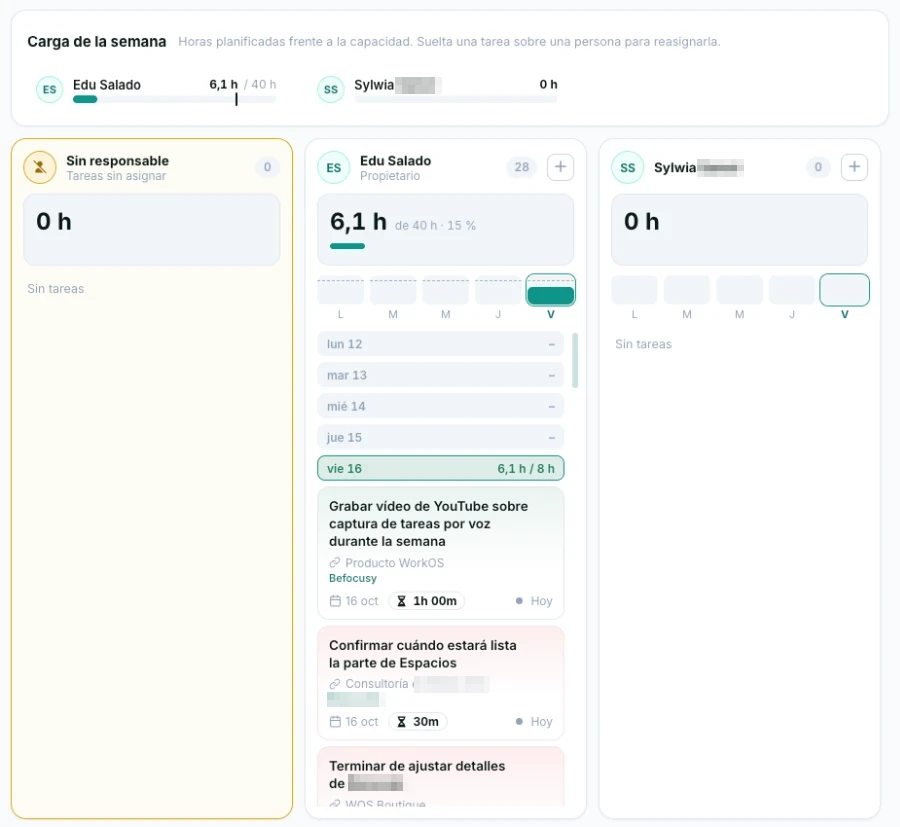
Your tasks and projects in your database, fed automatically by voice and inbox. Nothing gets lost in a chat or in someone's head: everything is assigned and tracked.

  • Tasks and projects with owner and date
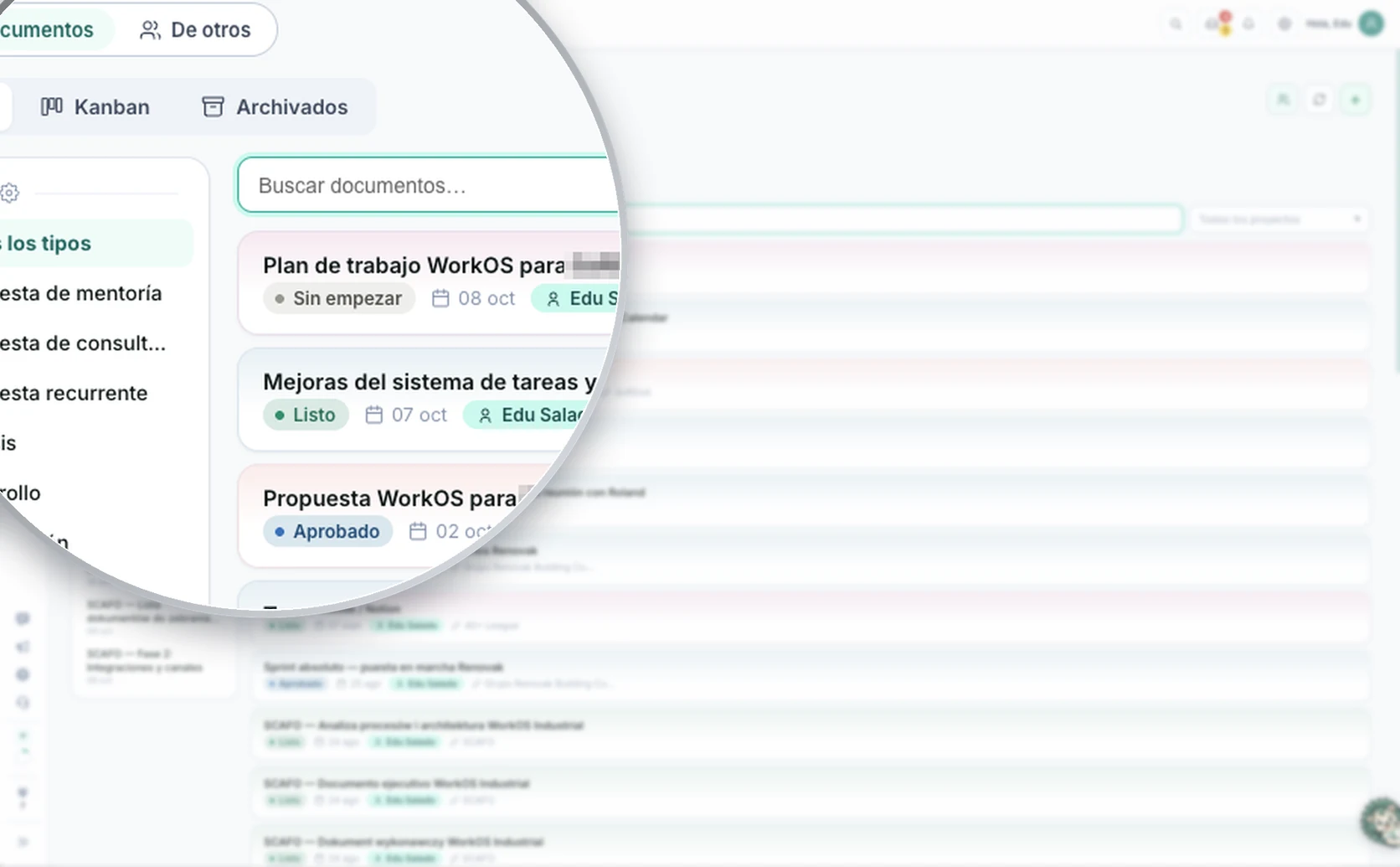
  • Views by person, project or status
  • Created automatically from voice, inbox and meetings
  • Automatic due-date reminders
Included

CRM

“Your contacts, deals and sales, always up to date.”

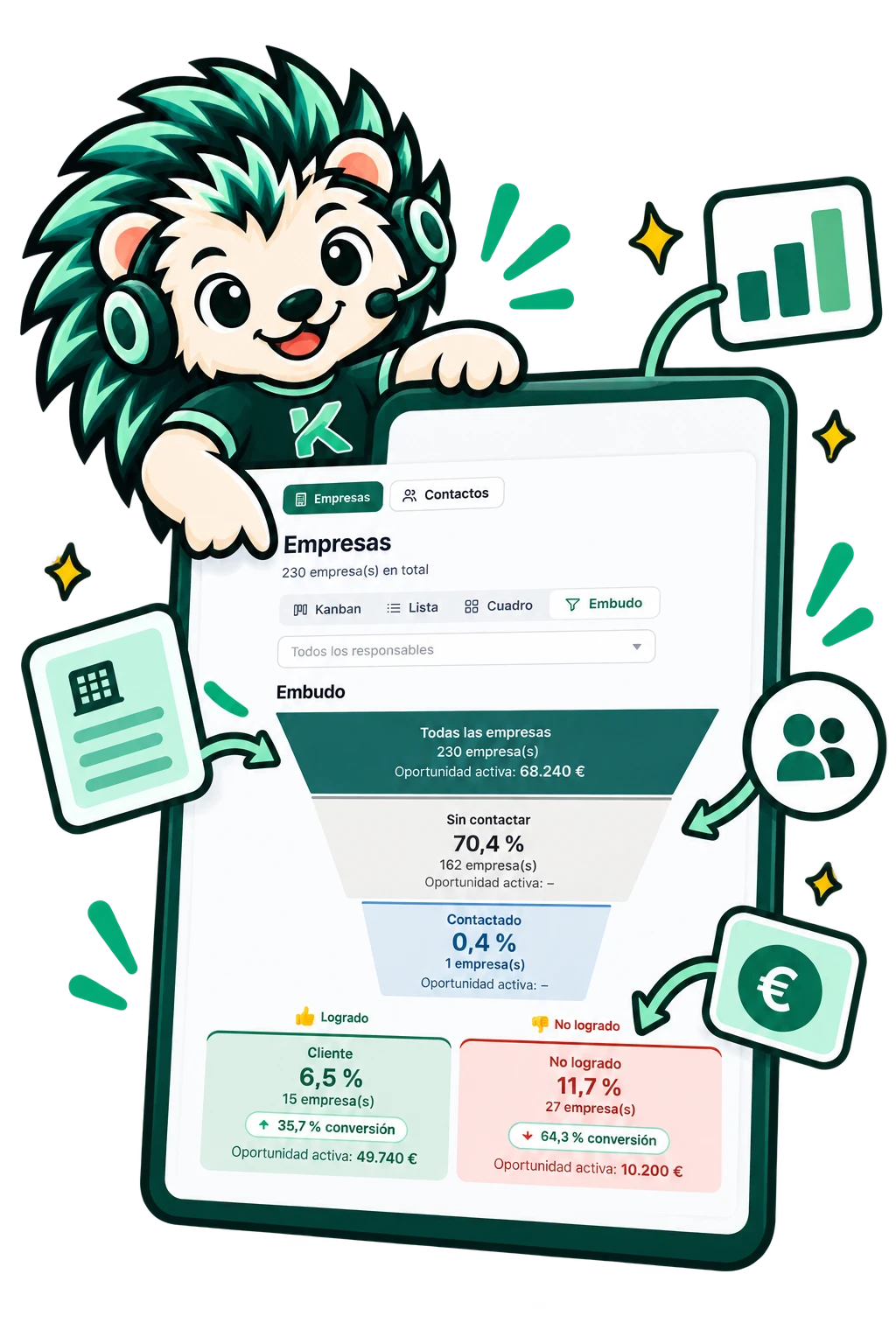
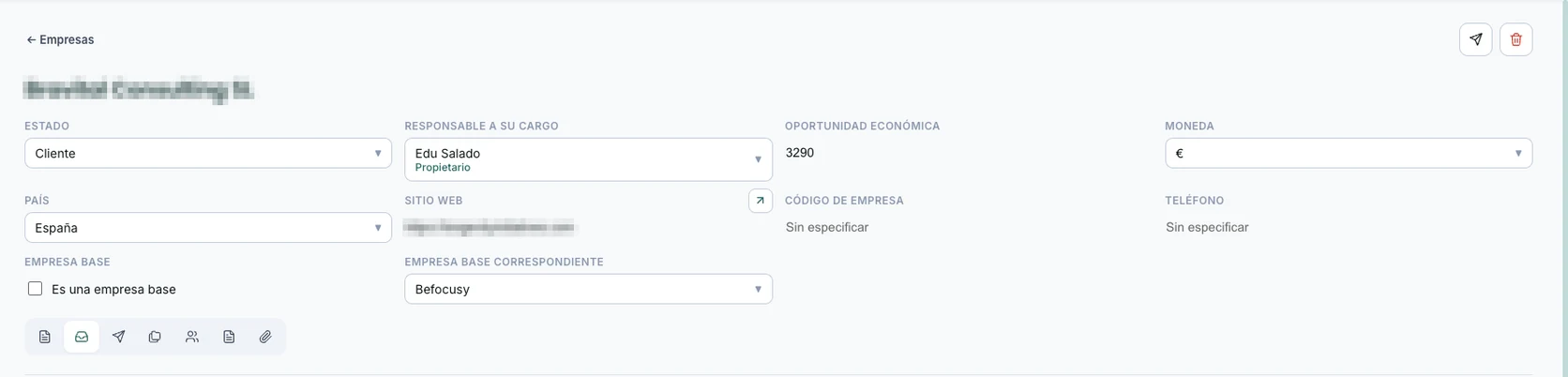
Your company's CRM, inside your database: contacts, companies, deals and agreements. Connected to your inbox and meetings, every email and conversation updates the client record without you lifting a finger.

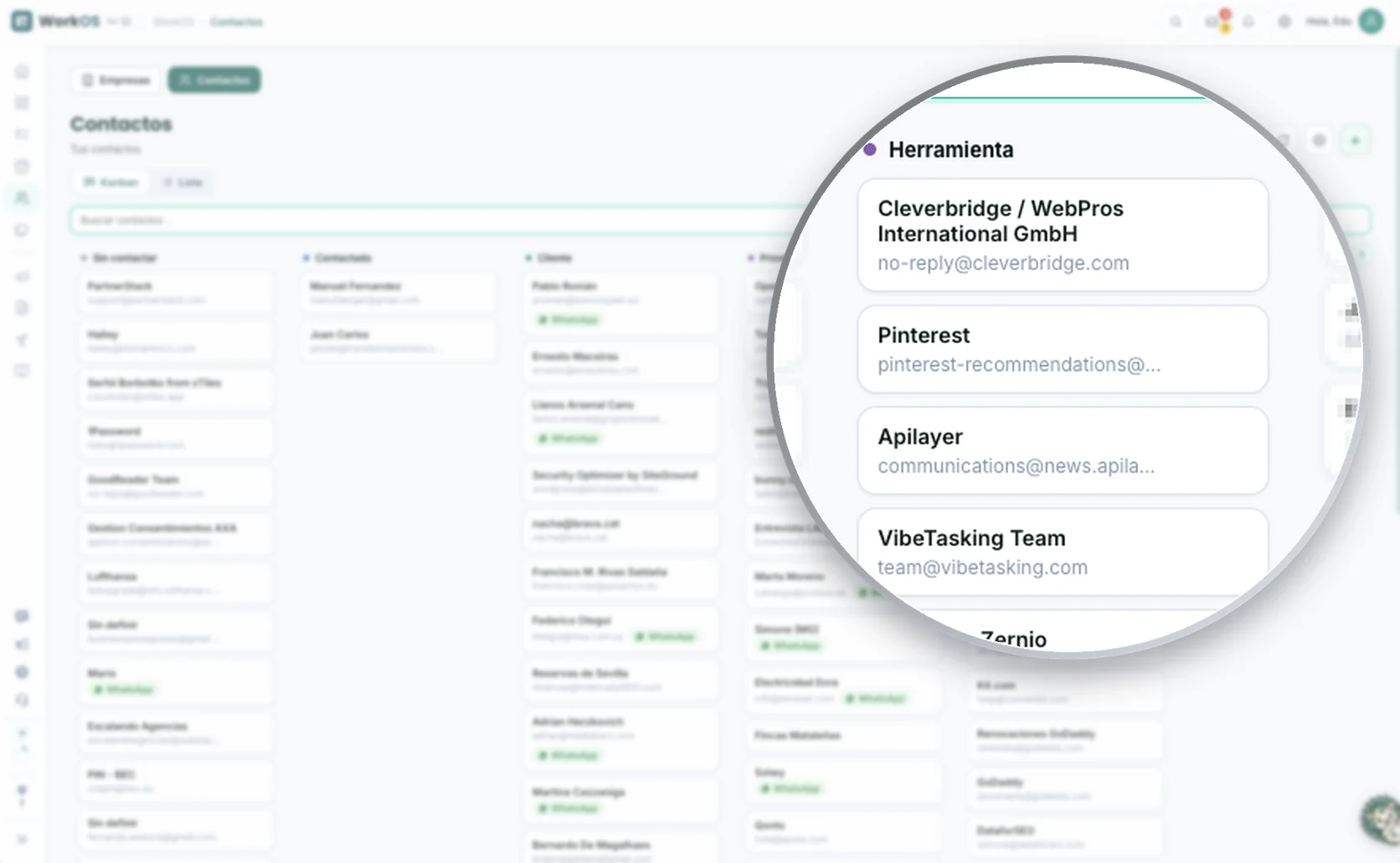
  • Contacts and companies with full history
  • Deal pipeline by stage
  • Fed automatically by the inbox and meetings
  • Sales follow-ups with automatic reminders
Included

Social

“Post to all your networks from one place.”

You plan once, the AI drafts in your tone and the system posts for you. Continuous presence without it eating your day.

  • LinkedIn, Instagram, TikTok, YouTube and Facebook
  • Scheduling and attachments: image, video or PDF
  • Posting history in the calendar
Included

Docs

“Living documents. Flawless deliverables.”

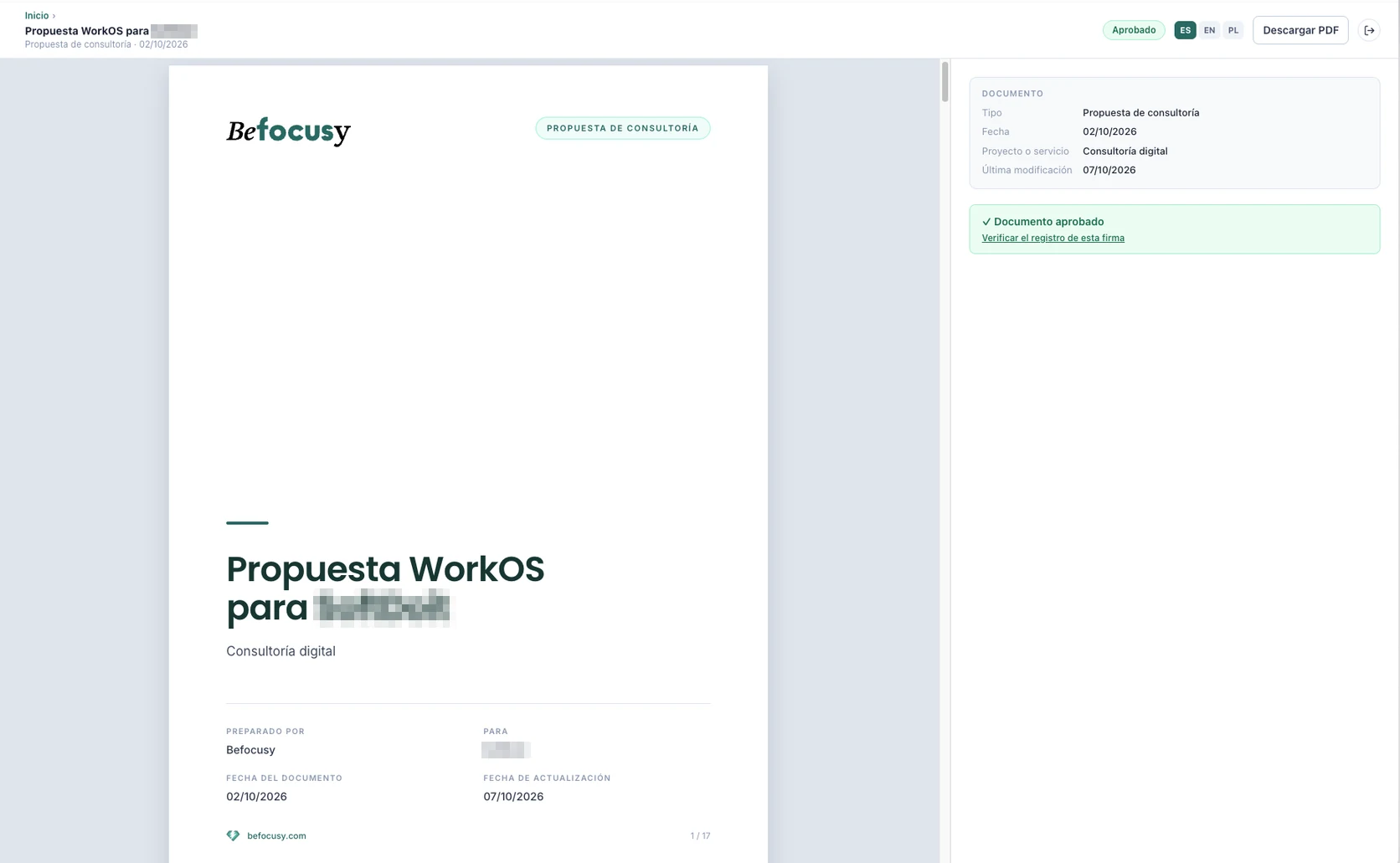
Your proposals and deliverables are the last impression you leave with a client. Here they come straight out of the system, with your branding, ready to send in one click.

  • PDF with the client's logo, typography and colors
  • Public web page with your own domain and two-factor auth
  • Integrated sending from the CRM
Coming soon

Finance module

“Your business, with the books always up to date.”

A financial dashboard connected to your invoicing tools: income, expenses and cash flow centralized in your database, no loose spreadsheets.

  • Integration with Holded, Facturadirecta and other invoicing tools
  • Income, expenses and cash flow in a single dashboard
  • Alerts for pending payments and due dates
  • Figures connected to your CRM and projects
TWO PATHS

Which one is for you?

Available today

WorkOS Growth

  • You have a team and processes of your own
  • You want the system delivered, custom-built and with training
  • A project spanning several months
  • We only take on 3 simultaneous projects
Tell us your case
Under construction

WorkOS DIY

  • You're a sole trader or SME
  • You'd rather set it up yourself with the standard modules
  • Activation in hours, monthly subscription
  • No launch date yet: waitlist with priority access
  • Easy to install and set up
Join the waitlist

Don't want to wait or do it yourself? That's exactly Growth.

THE IMPLEMENTATION · AVAILABLE TODAY

WorkOS Growth: we leave it up and running for you.

We design the data architecture, deploy the app with your modules (standard and custom) and train your team until the system runs on its own, in a project spanning several months whose scope and duration we work out together in the initial mentoring session. We work with a maximum of 3 projects at a time. The monthly investment is set during that same mentoring session, based on your project's scope.

1

Diagnostic mentoring session (€200). We review your processes and you walk away with a clear improvement plan. If you sign up for WorkOS Growth within the next 30 days, the cost of the mentoring session is fully deducted from your first month.

2

A project spanning several months. Architecture, integrations, automations and training, with deliverables from the first few weeks.

3

Your system stays alive: monthly Support. Once it's done, we sustain it and keep evolving it with you through a maintenance fee.

What happens when you request it

  • You tell us about your business and processes in a few minutes
  • We see whether WorkOS fits the way you work
  • We show you the system running in real businesses
  • We define your implementation proposal
  • If there's a spot free, we start
  • No commitment

Only 3 projects at a time: that's why we talk to you first.

Person and WorkOS AI assistant reviewing an already-connected calendar, inbox and automations

Custom integrations

We connect your ERP, your ecommerce or any internal tool you already use.

Personalized automations

Specific workflows for your business that the standard doesn't cover, designed with you.

Custom dashboards and views

Dashboards specific to a team, client or process, ready for your operation.

Implementation service Just need a one-off tweak? Ask us.
How it works

The first modules, up and running in days. The full system, delivered and mastered by your team: a project spanning several months.

It's not a course or a template: it's a product that activates with you, backed by real service.

01

Connect your tools

Notion, email, WhatsApp and social, with simple forms. Without touching a line of code.

02

Activate your modules

Voice, inbox, tasks, CRM, social and docs, active from day one.

03

Customize what's needed

Bespoke automations and integrations, as a service, when the standard isn't enough.

It's not a template you download and figure out alone. It's a system set up with you, with the befocusy team behind it.

The software covers most cases with standard modules. For the rest, there's a real service behind it.

Start simple, scale gradually. You activate the modules you need, not all at once.

The modules connect with each other. Tasks, clients, content and documents, in a single system.

AI modules are built into the flow, they're not extras you have to set up separately.

Efficient AI, not agents thinking in a loop. Predictable, minimal cost, controlled at every step.

THE FUTURE · SELF-SERVE
UNDER CONSTRUCTION

WorkOS DIY: the same system, set up by you in hours.

The self-serve version of WorkOS: you sign up, connect your tools with guided forms and activate the standard modules yourself: from zero to a working system in hours, without touching a line of code and without an implementation project. For sole traders and SMEs who'd rather set it up on their own.

  • Guided step-by-step installation, module by module
  • The same standard WorkOS modules: voice, inbox, tasks, CRM, social and docs
  • Monthly subscription, no lock-in. Price to be announced

We're building it on the real cases from the current implementation projects: each module reaches DIY only after proving it works in real businesses. That's why there's no launch date yet: there's a waitlist.

Join the waitlist

Priority beta access, plus a free gift: the introduction and manifesto of Conscious Positive Digitalization.

Edu Salado, founder of befocusy
Edu SaladoFounder of befocusy
Who's building this

Hi, I'm Edu Salado.

I'm not a productivity guru. I'm someone who carried too much, for too long, until I redesigned my own system from scratch. WorkOS is that same architecture, turned into a product, so any business can implement it.

Hundreds of professionals guided Author of «Conscious Digitalization» Systems · AI · Processes
Frequently asked questions

What you're probably wondering

The base is automatic: you connect your tools with simple forms and within a few days the modules are up and running. If you need custom integrations or development, that adds extra time depending on scope.
Get started

Two paths, one system.

We implement it for you today (3 spots, starting with the mentoring session) or you set it up yourself once WorkOS DIY opens.

Tell us your case DIY waitlist

Questions? Talk to us